

- ...
- base images
- SDK
- ...
- ...
- premade packages
Using the demo wizard#
If you successfully connected to a device you can select Demo Wizard in the left side menu
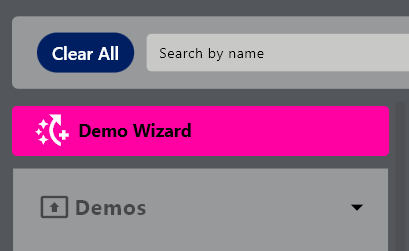
when clicked, the following screen can be seen
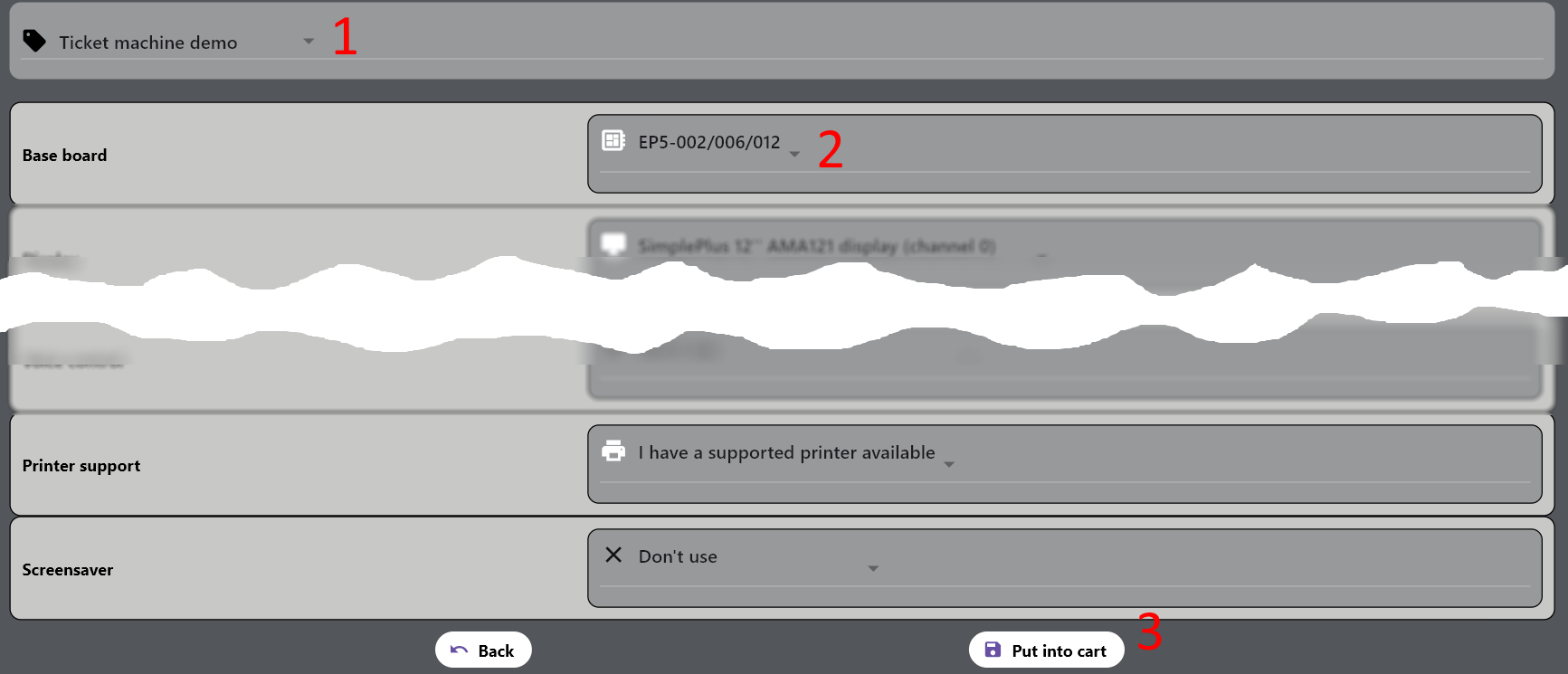
you can select
a demo setup (1)
On each item (2) select an option according to your setup
when done, click on Put into cart (3)
then go to the cart to select the version(s) you’d like and proceed with the installation as described above