

- ...
- base images
- SDK
- ...
- ...
- premade packages
Connecting to a device#
You can connect to a device by entering the IP address in the right hand side menu.
Then click on the Authenticate or Connect button in the right hand side menu.
Tip
If your network setup allows it, you can click on the circle symbol in the same menu to automatically detect any running SimpleSwitch™ device. Once finished the device information will be shown in the drop down menu next to the button.
To access all packages you will need to connect to ghcr.io.
To do that just enter the user name and your personal access token
(see Github container registry (GHCR)),
then click on the Authenticate or Connect button in the right hand side menu.
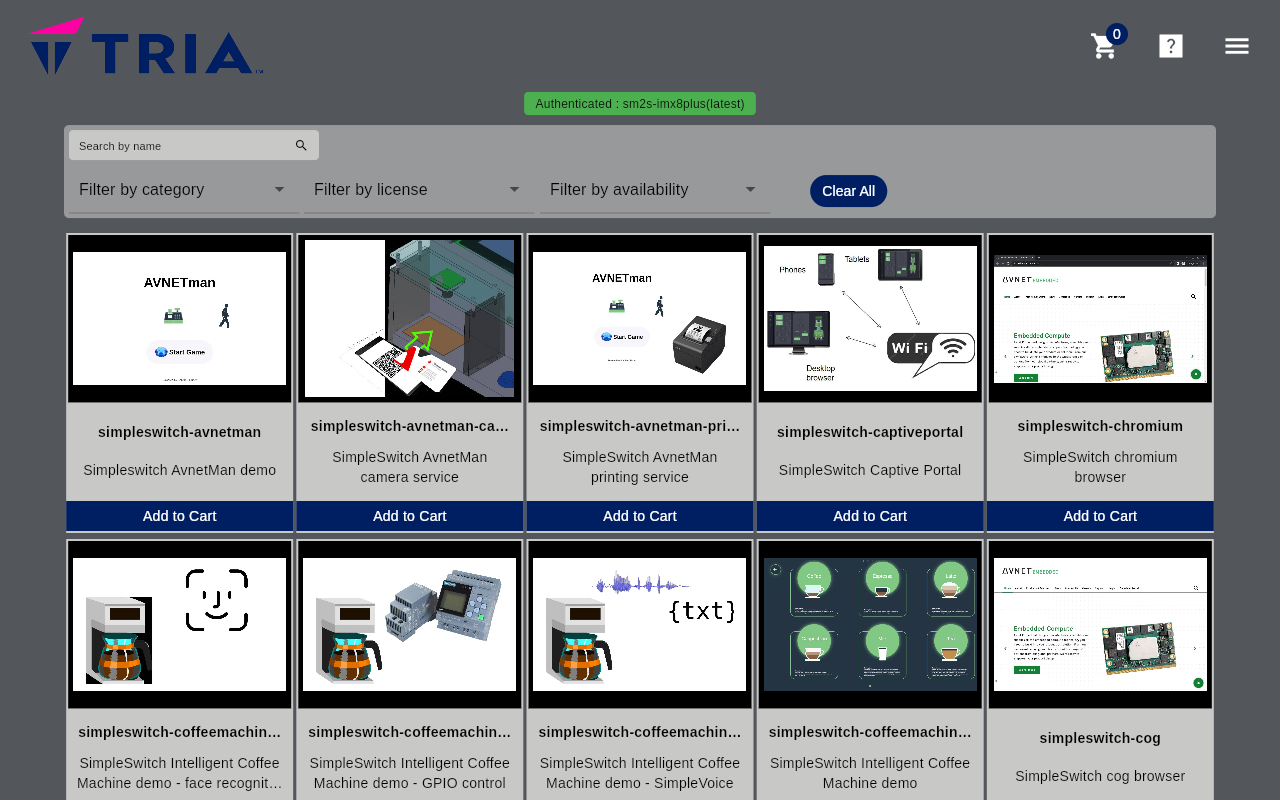
Internet access required
For the launcher access to the internet is required. If you use the provided simpleswitch-dhcp-helper, please make sure to also setup Access GHCR from a private network with no direct access to internet.