
- ...
- base images
- SDK
- ...
- ...
- premade packages
Cart checkout#
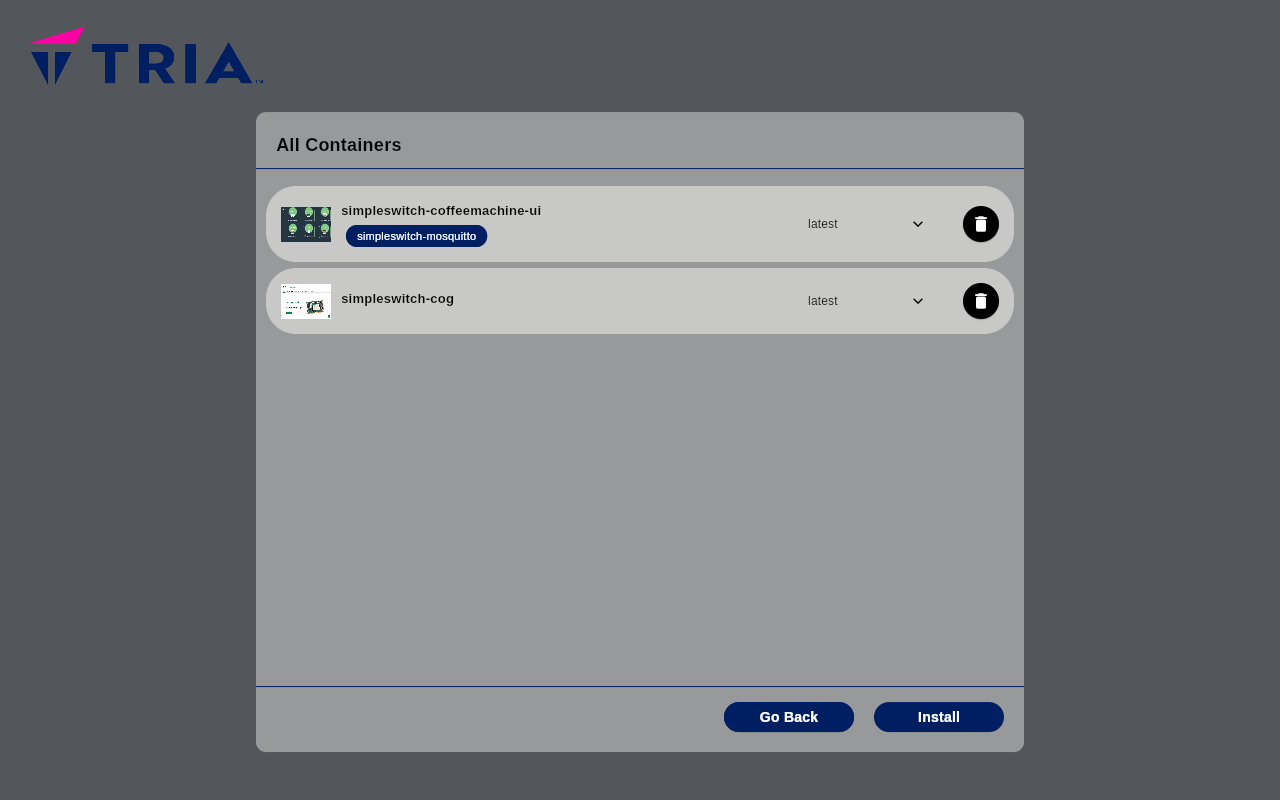
To finalize the installation of new packages
click on the cart icon on the top right corner of the main screen
choose the version you want for each SimpleSwitch™ packages, by default the best fitting version is automatically selected
confirm the installation of a package clicking on the checkbox of the SimpleSwitch™ packages
press the
Installbuttonconfirm all terms and conditions by clicking
Accept