

- ...
- base images
- SDK
- ...
- ...
- premade packages
Configuring a package#
To configure a package, you can click on Configure in the main view
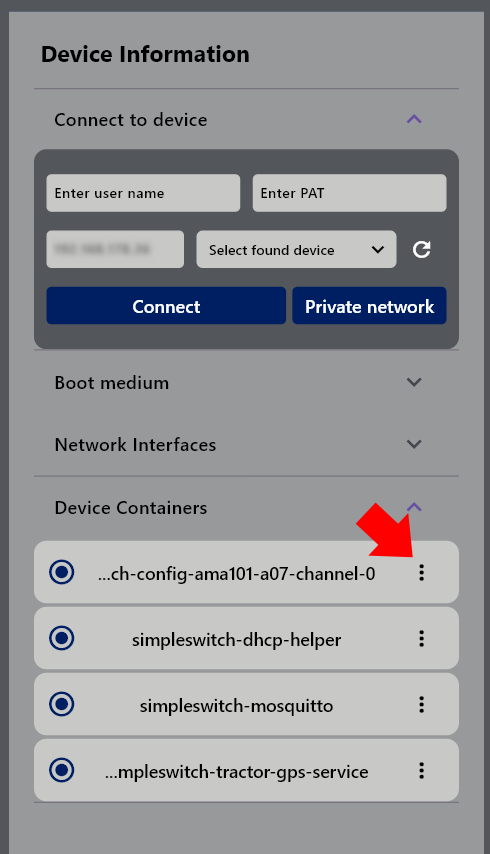
or click on Configure in the detail view
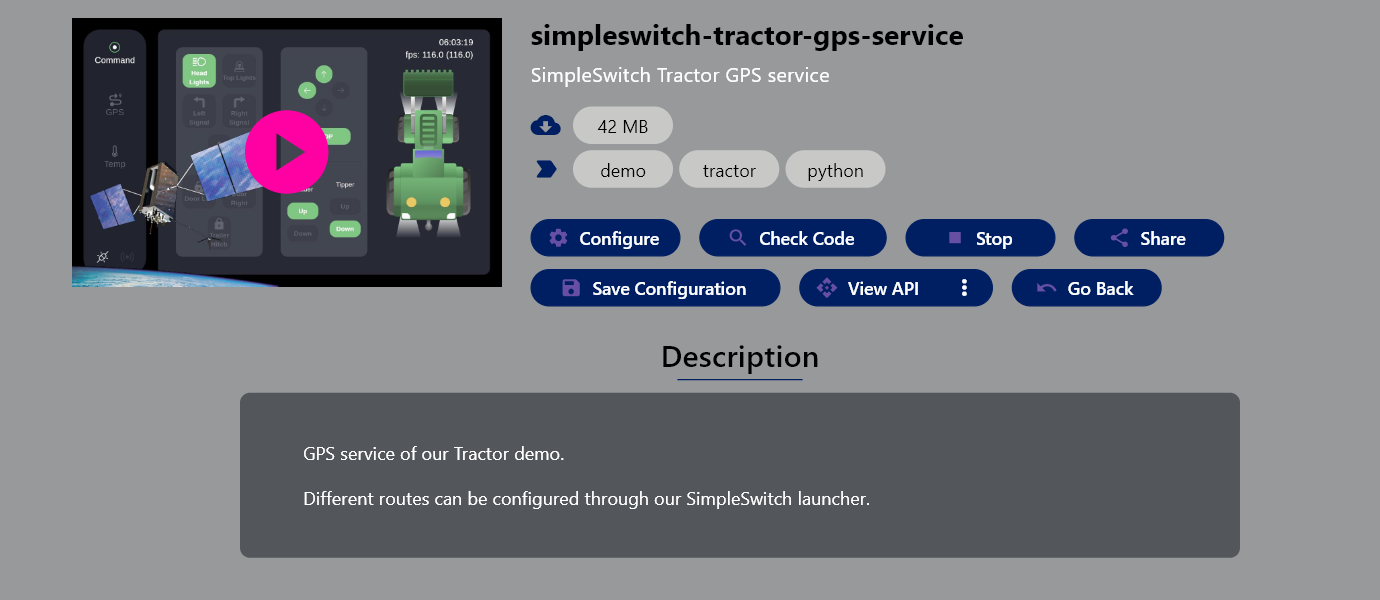
To opened view allows you to reconfigure the running package, according to your needs.
To use a changed configuration please press the Save configuration button at the top.
Attention
The Launcher UI will validate your configuration for syntactical correctness, but not for it’s content. Please consult the documentation of the SimpleSwitch™ package for more information, before doing any changes.